A resume that feels like you
Start from scratch or import a PDF or Word document. Write beside a live preview, with guidance for every section.
Explore the builderYOUR NEXT CHAPTER STARTS HERE
Create your resume with an AI resume builder, check its ATS readability and practise mock interviews—all in one workspace. Start with the free plan.
Built for freshers and job seekers in India: ATS check, resume builder and interview practice. Pay with UPI, cards, netbanking or wallets.
Product Designer
Profile
Product designer turning complex problems into thoughtful, easy-to-use digital experiences.
Experience
Education
B.Des. · Communication DesignNational Institute of Design · 2018 — 2022
Skills
See how a more specific bullet reads.
A little less job-search chaos.
A lot more clarity.
MEET YOUR CAREER TOOLKIT
Bring the pieces of your job search together.
One workspace. A clear next step.
Start from scratch or import a PDF or Word document. Write beside a live preview, with guidance for every section.
Explore the builderCheck your resume’s structure, content and keywords. Jump from each ATS issue straight to the field that needs attention.
Meet your ATS checkerPractise role-specific interview questions, review your answers and talk through tricky topics with a live voice tutor.
Explore interview practiceChoose a template, start fresh or import your current resume. Your experience is the starting point.
Find gaps with an ATS check. Refine your writing and match your skills to the role you want.
Prepare your cover letter, explore relevant jobs and rehearse your interview answers.
A STRONG FIRST IMPRESSION
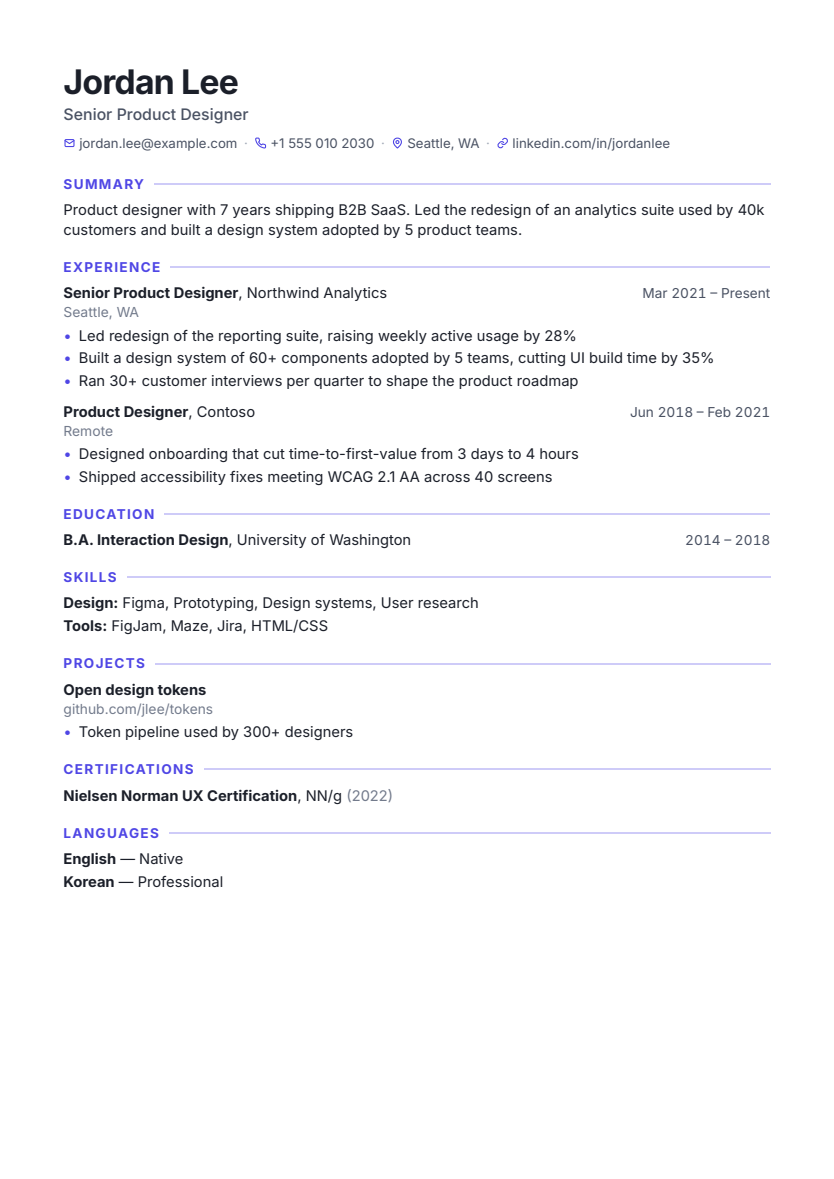
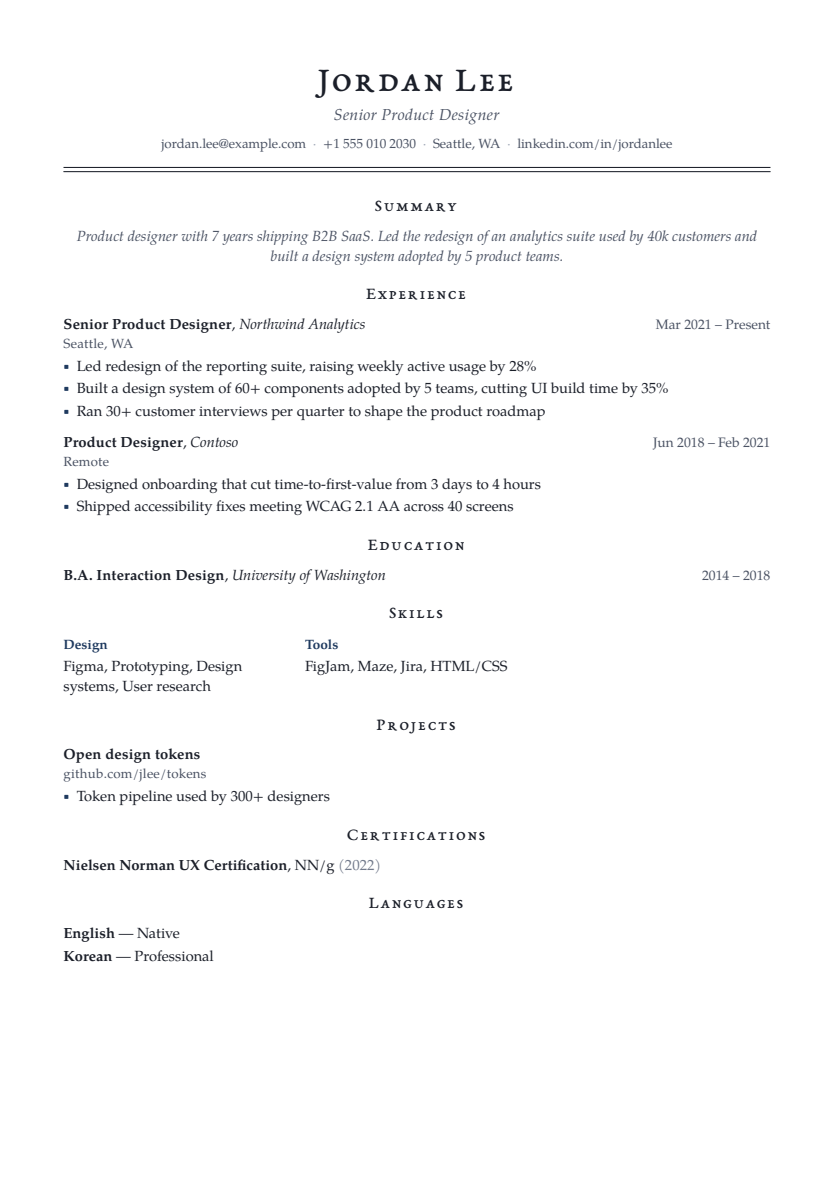
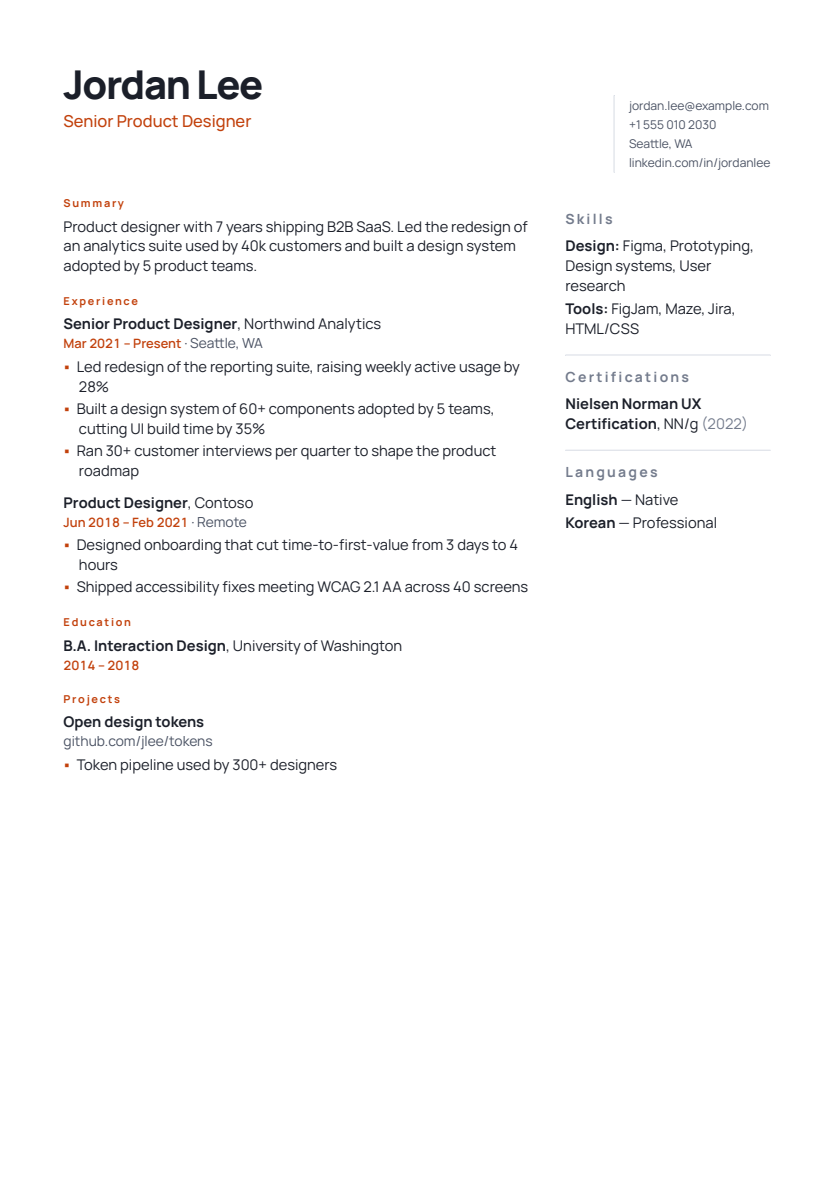
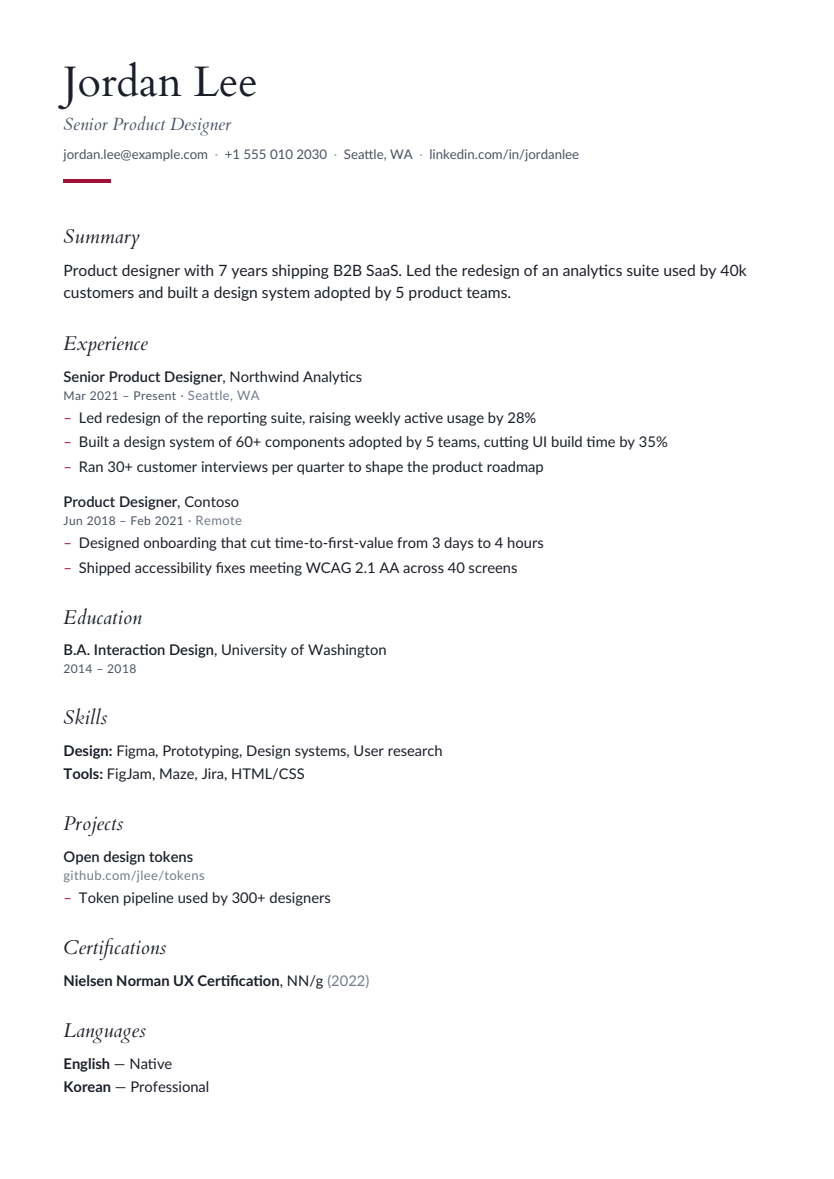
Clean layouts that put your experience first. Switch templates without starting over.
YOU’RE MORE THAN A DOCUMENT
Getting your story on paper is the first step. Practise explaining it, too—with mock interviews and a voice tutor that helps you work through the hard parts.
Find your interview confidenceGive your answer a little structure.Set the scene. Explain your action. Share the result.
A LITTLE GUIDANCE GOES A LONG WAY
A WORKFLOW FOR YOUR APPLICATION
An AI resume builder can help you organise and phrase your experience, but a useful application starts with real evidence. QuickHunt connects resume writing, ATS feedback, job-description matching and interview preparation so each step builds on the same account of your work.
For a fresher, education and projects can explain what you are ready to do. Choose a target role, describe your own contribution and name the tools you actually used. A college project, internship or part-time role belongs on the page when it provides relevant evidence; it should be labelled accurately.
Start with the complete fresher resume example, then organise your sections in the online resume builder. Keep project links usable and prepare to discuss a difficulty you handled. You do not need to invent a business result to make a first application specific.
Your most relevant recent work should be easy to find. Explain what changed because of your contribution, with measurement context where you have it. Remove repeated tasks and outdated details before choosing a more compact layout. If you already have a PDF or Word document, import it and verify the recovered information before editing.
Use an ATS resume check to identify structure and wording issues, then compare the role through job matching. A missing keyword can reveal an unclear description or a real skills gap. Add it only when your experience supports the claim.
A clear resume becomes more useful when you can explain the evidence behind it. Prepare a few true stories about collaboration, judgement, mistakes and learning. For technical work, be ready to describe your approach, assumptions and tradeoffs rather than repeat a list of tools.
The AI mock interview provides questions and feedback to guide review. The voice tutor lets you practise spoken explanations and revisit corrections. Check the reasoning behind the feedback and use the STAR story worksheet to organise your own examples.
The free plan lets you start with the editor, templates and rule-based checks. PDF downloads, additional AI usage and voice access depend on your plan. Read the plan comparison before buying, and review how resume and call data are processed before using optional features. Scores and suggestions are preparation aids; employers make their own hiring decisions.
Yes. Import a PDF or DOCX to turn your resume into editable sections. You can also upload a document to the ATS checker without rebuilding it first. AI-powered import uses credits from your plan.
The free plan includes the resume editor, templates and rule-based ATS checks, with limited saved resumes and AI credits. PDF downloads and higher usage limits depend on your plan. Check the pricing page for current limits and offers. View plans and pricing.
No. Your score is a guide to document readability, structure and content, not a prediction of a hiring decision. Match your experience to the role and use the checks to make your application clearer.
AI suggestions are drafts for you to review. Employers, job titles and dates stay locked during rewrites. Suggestions that introduce unsupported numbers, tools or qualifications are flagged. Only keep wording that accurately reflects your experience.
Yes. Add education, projects, internships, skills and certifications to show what you can do. The section coach can suggest useful additions for your experience level, and the guides include practical writing examples.
Start with the employer's instructions and your relevant content. A clear single-column layout is a practical choice for an unfamiliar application portal. Check page breaks and exported reading order using your own resume, rather than deciding only from a sample thumbnail.
No. Import turns the existing text of a supported PDF or DOCX into editable sections; it is not intended to improve the wording. Review the recovered details first. A rewrite is a separate optional action that proposes wording for you to check before applying.
BIG PLANS START WITH A SMALL STEP
Your experience deserves to be seen. Give it a great introduction.
Build my resume Start with the free plan. Move at your own pace.