Templates
ATS-Friendly Resume Templates: 18 Designs
Eighteen designs built on one layout engine. Every template exports real, selectable text, every design option works in every template, and switching templates never touches your content.
All templates
The previews below are the actual first page each template renders, using made-up sample content.
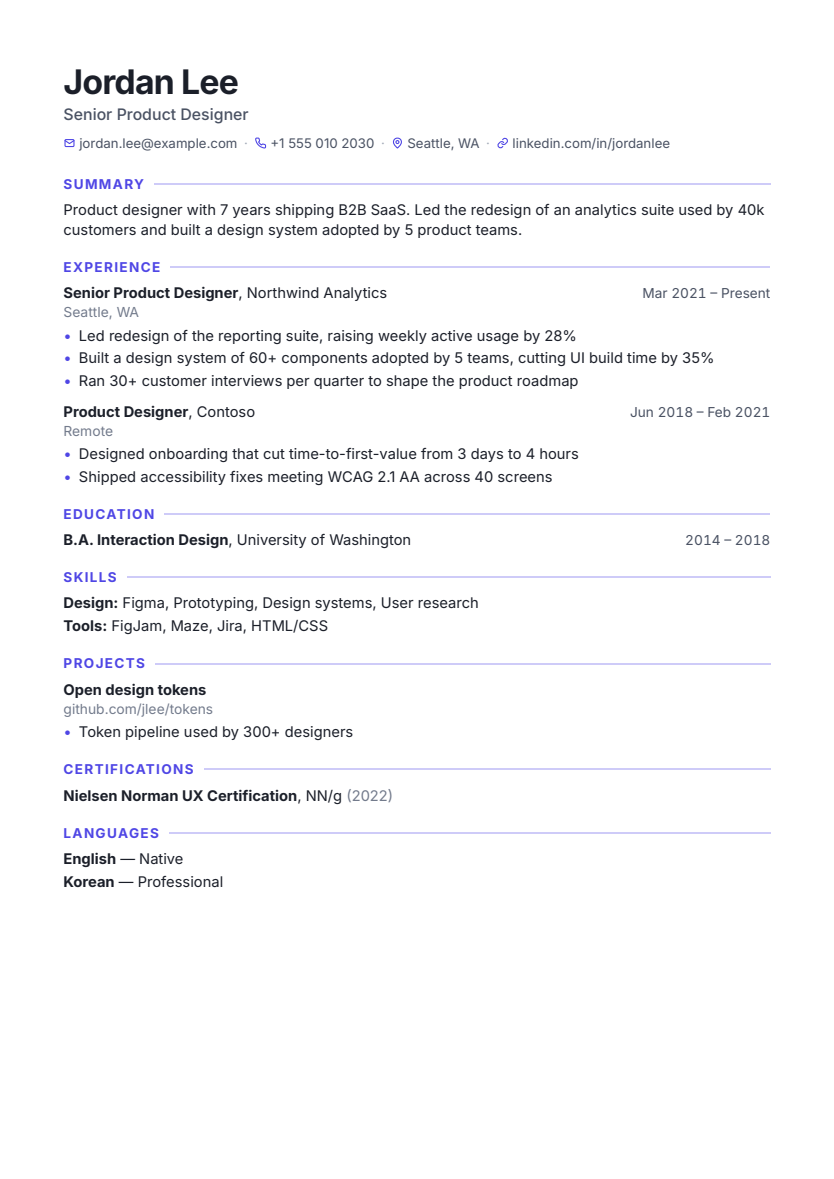
Modern
Single column
Balanced and confident: a strong name, line-ruled sections and contact icons.
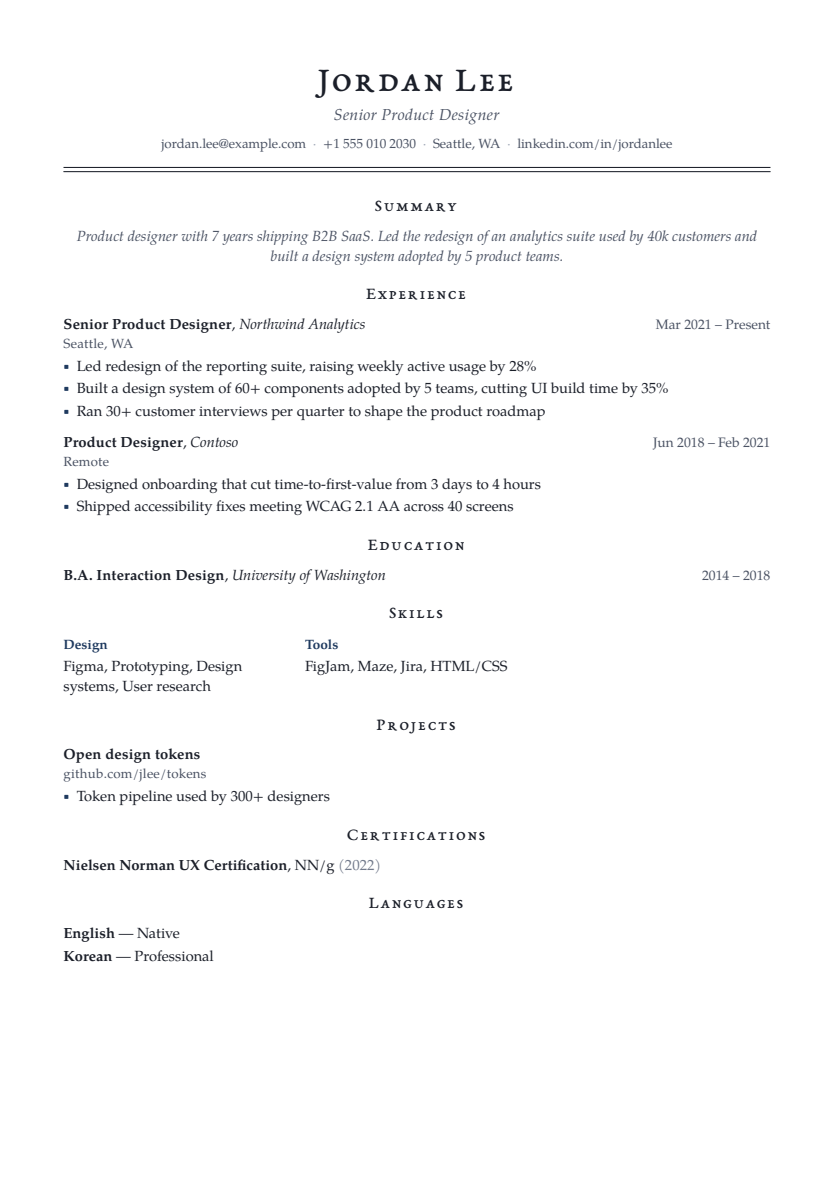
Executive
Single column
Centered, letter-spaced name over a double rule, with small-caps serif headings.
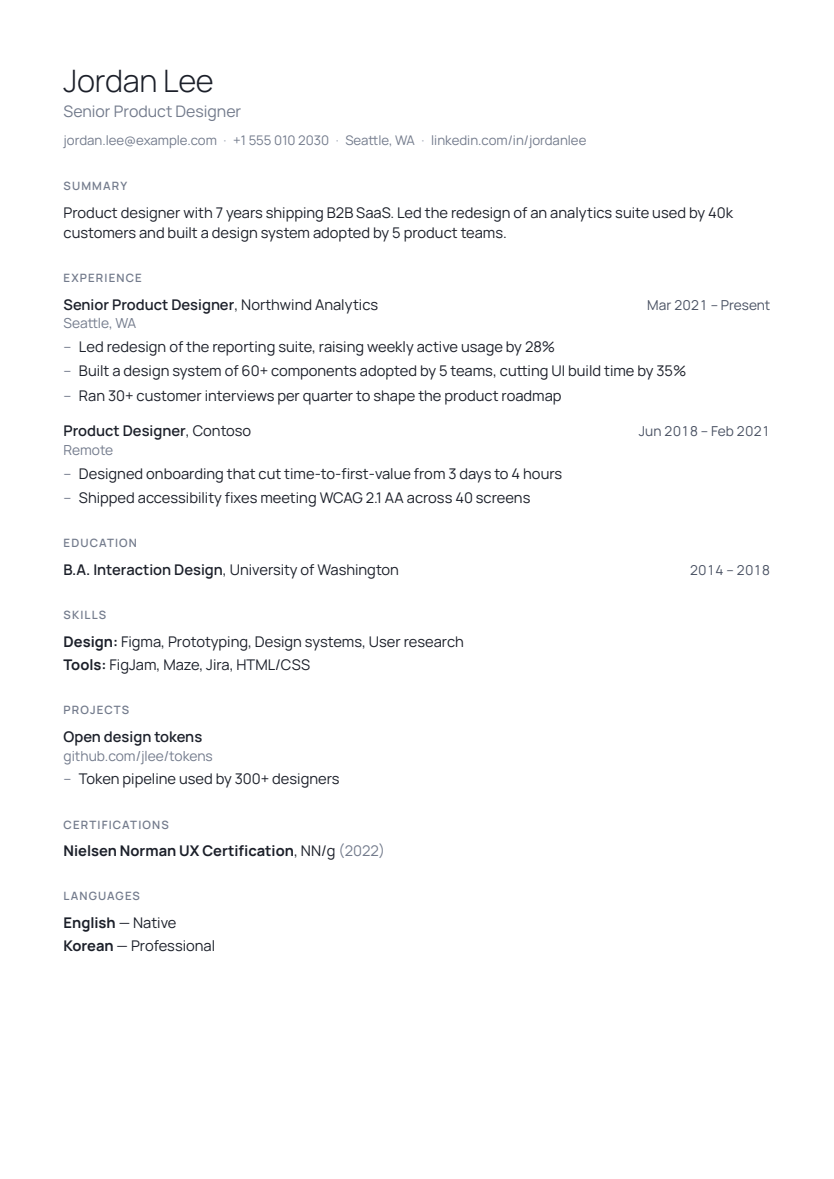
Minimal
Single column
A light name, tracked grey labels, lots of whitespace and almost no rules.
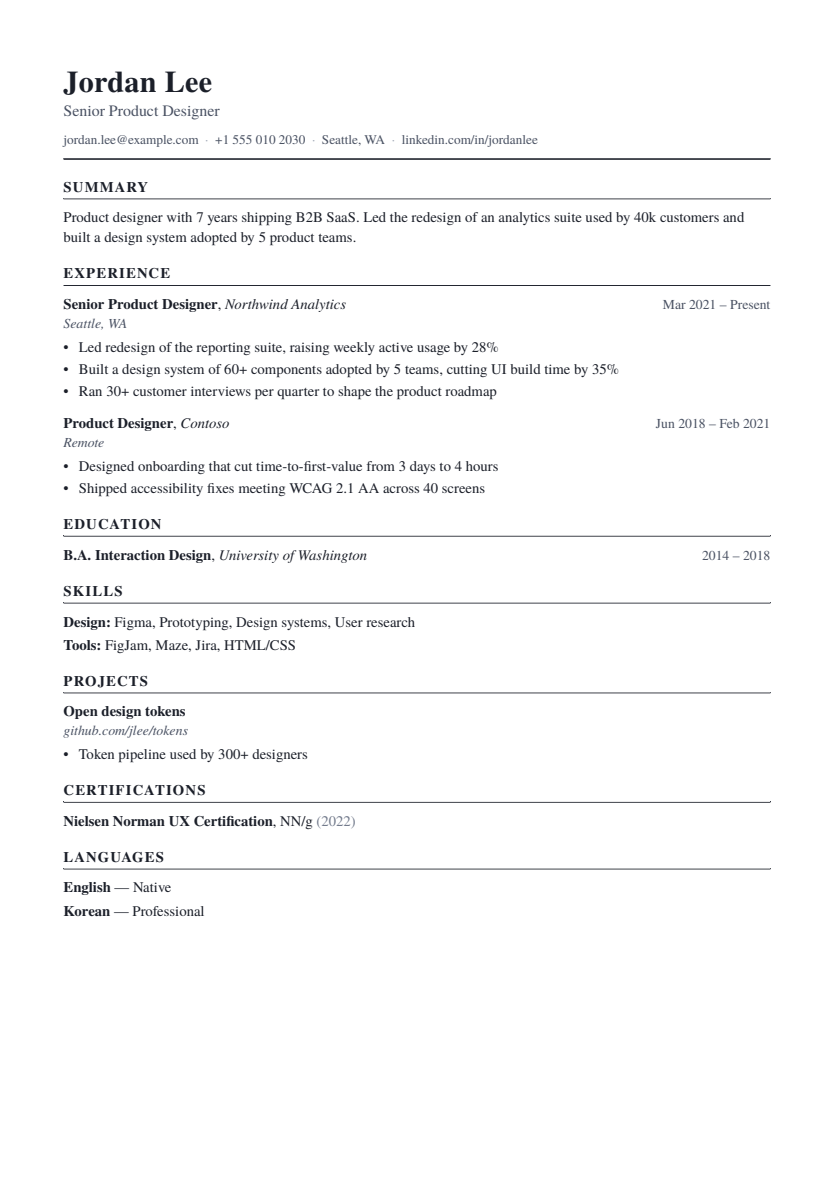
Classic
Single column
The traditional layout: serif body, black ruled sections, italic employers.
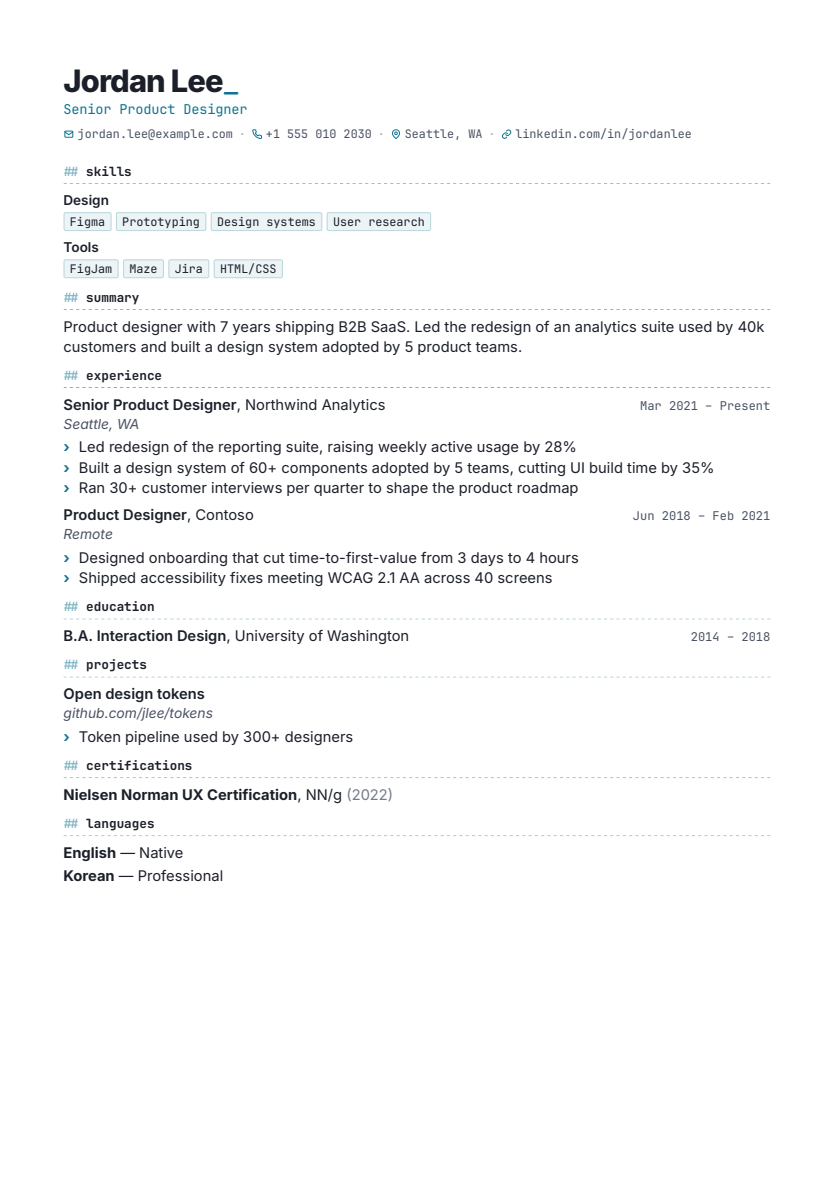
Tech
Single column
For engineers: skills first as mono chips, code-style headings, compact rhythm.
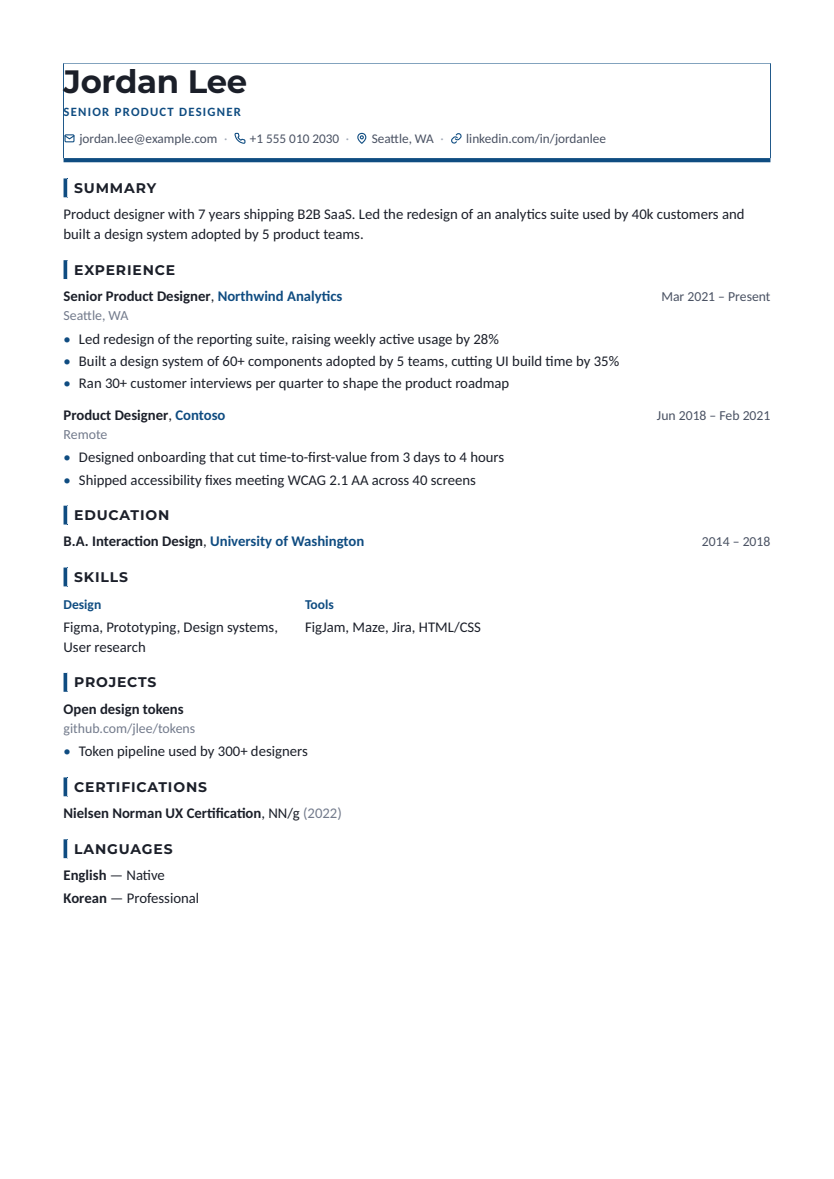
Professional
Single column
Corporate and consulting: a heavy accent rule, capped title line, colored employers.
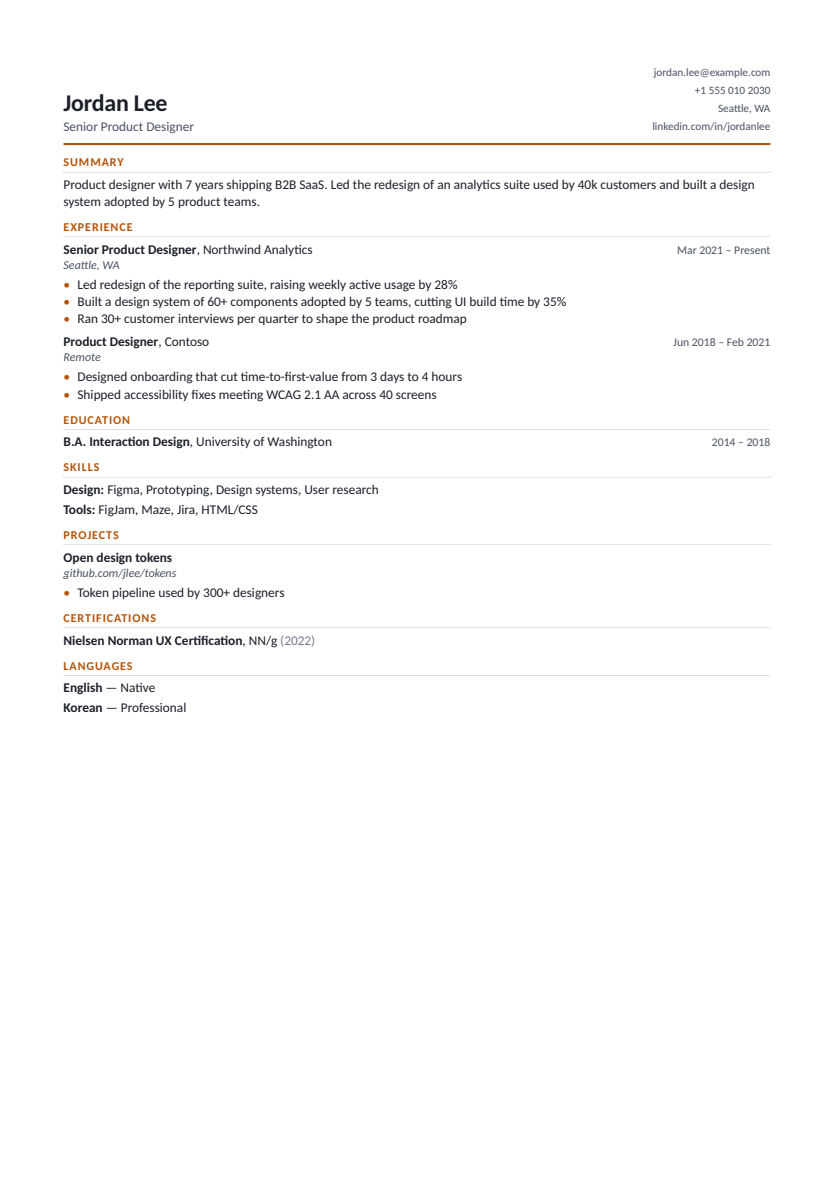
Compact
Single column
Fits more experience on each page: split header, tight spacing, small type.
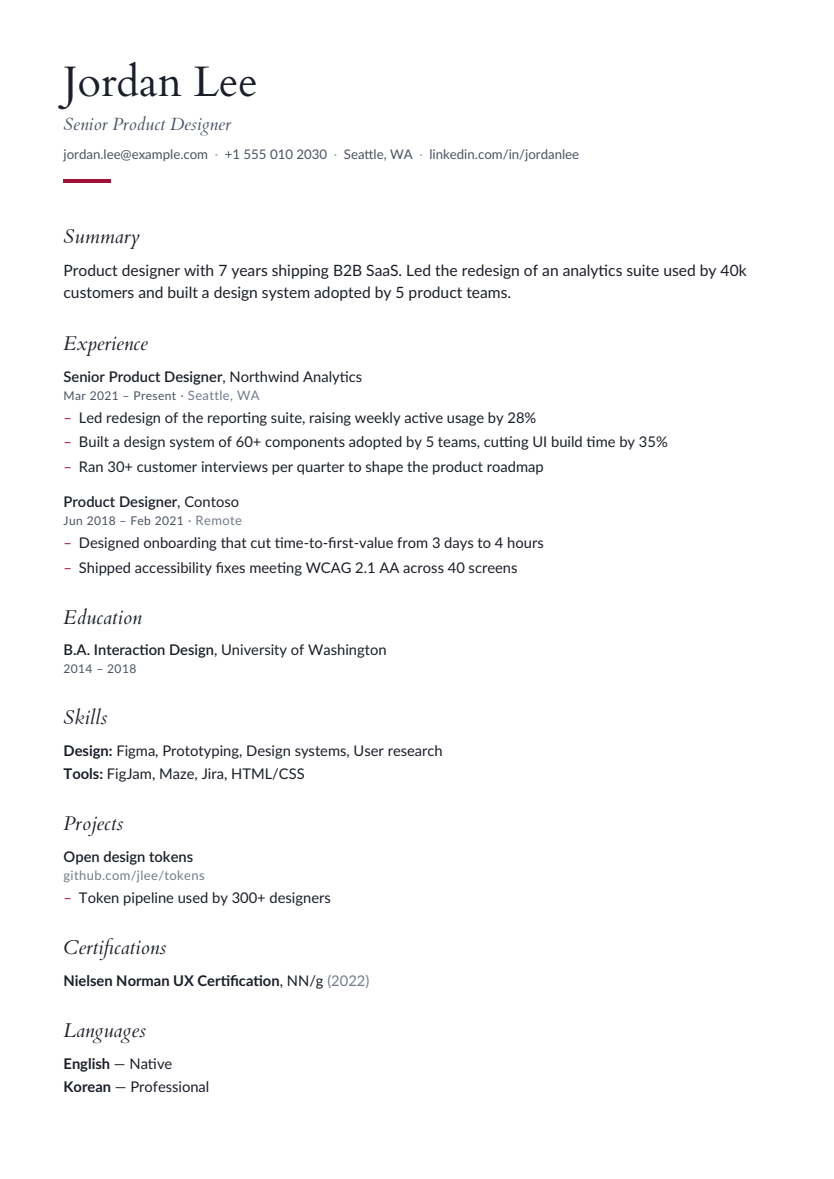
Editorial
Single column
Magazine-style: a large serif name, italic section titles and generous leading.
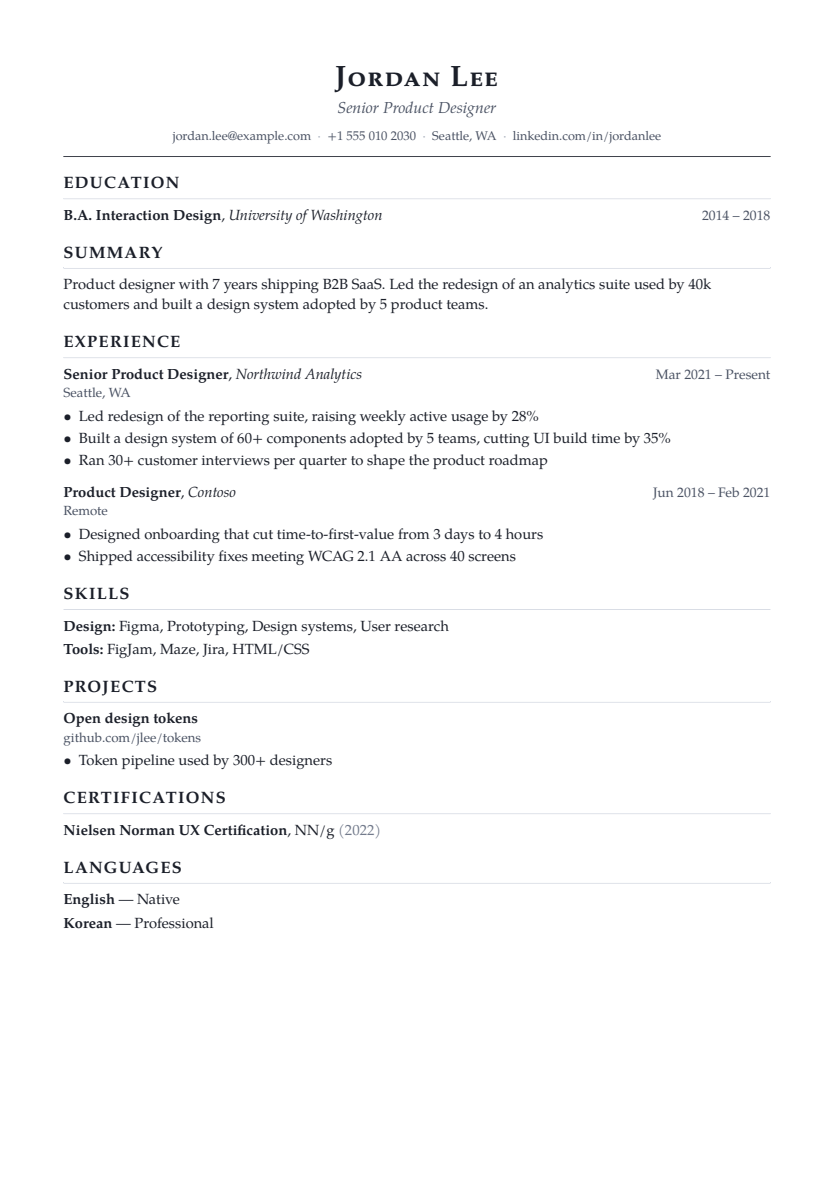
Academic
Single column
Long-form CV for research: education first, publications and projects kept readable across pages.
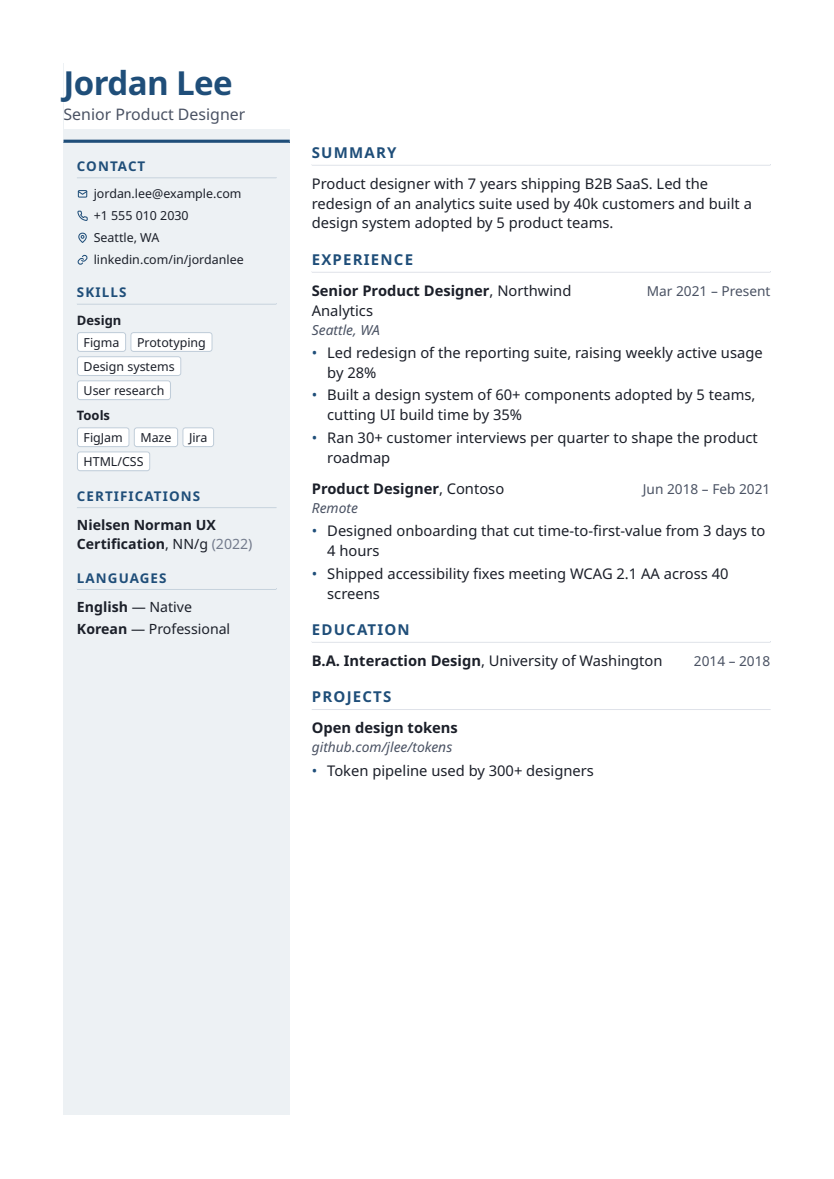
Sidebar
Two column
A narrow tinted sidebar for contact, skills, languages and certifications.
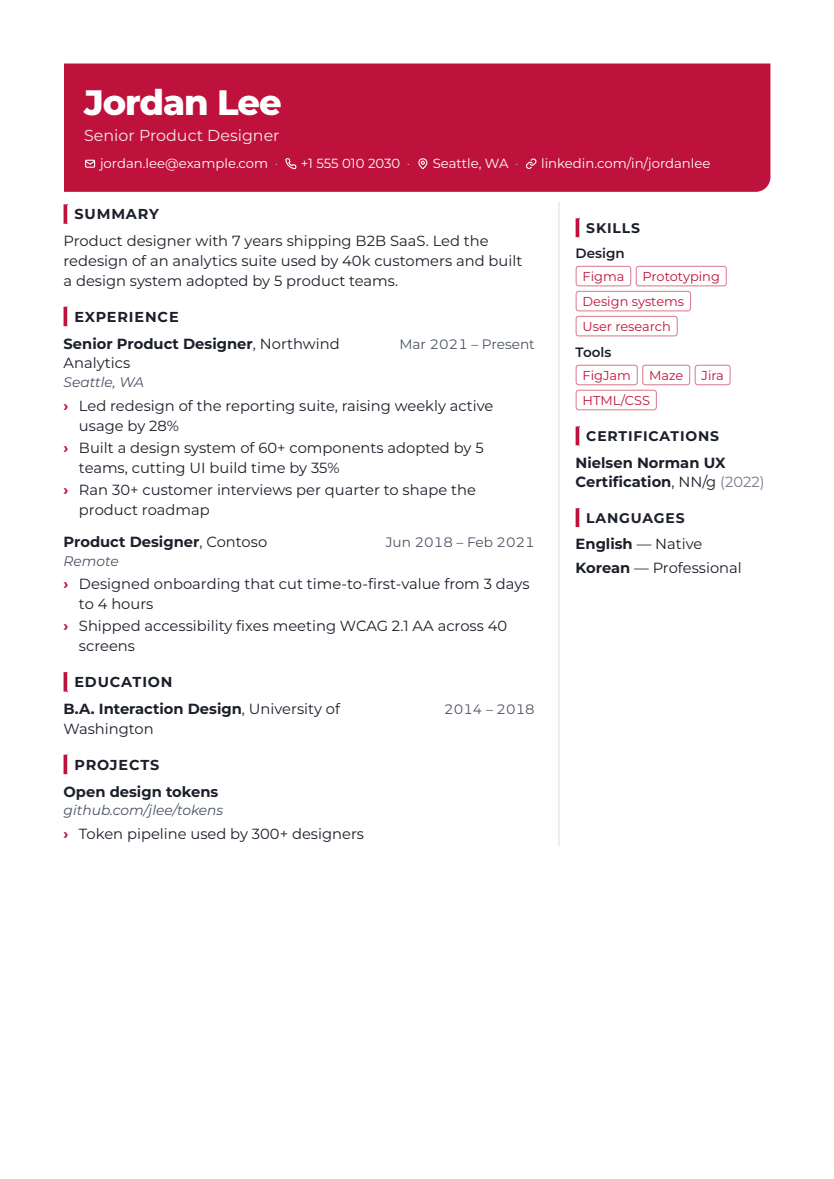
Creative
Two column
An expressive color-band header with a ruled right column. Suits design, product and marketing roles.
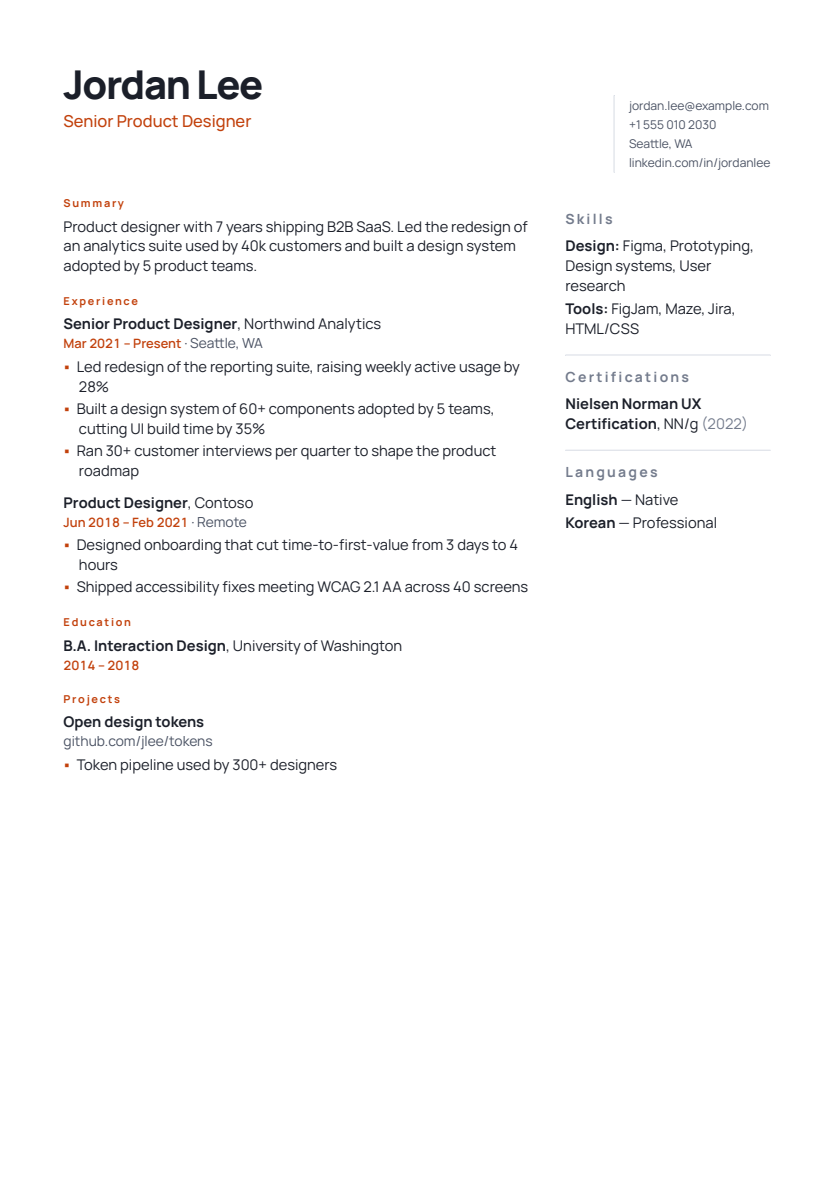
Studio
Two column
A large display name, stacked contact and a structured right column with editorial details.
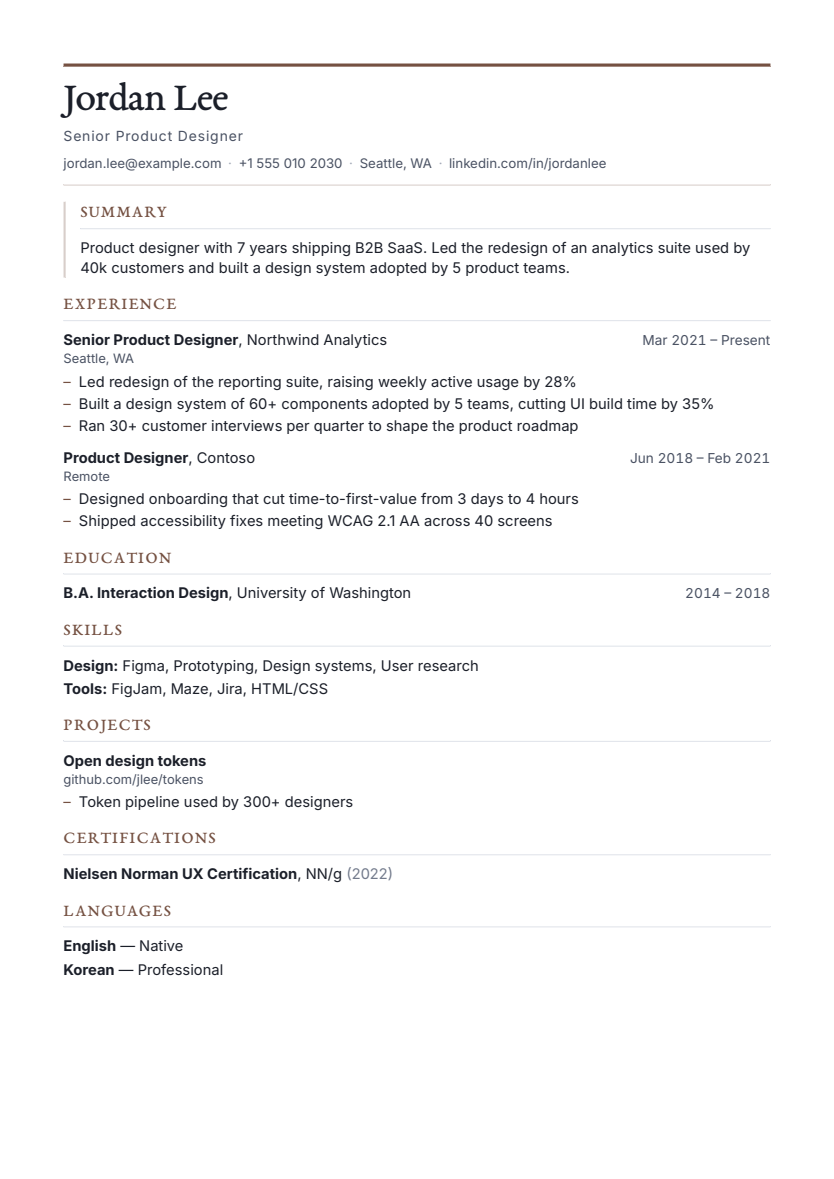
Folio
Single column
A serif masthead, framed introduction and fine section rules for product, writing and strategy roles.
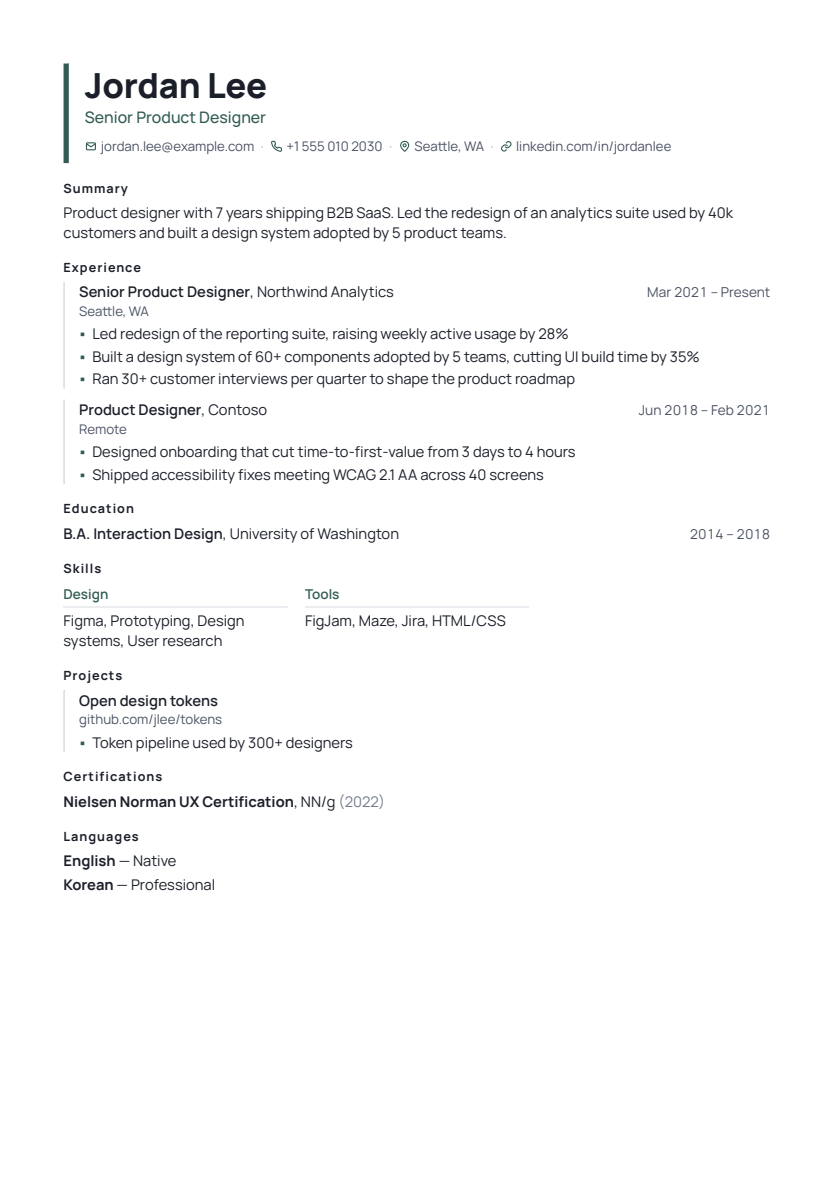
Architect
Single column
A vertical accent rail, structured experience entries and compact skill columns for technical leaders.
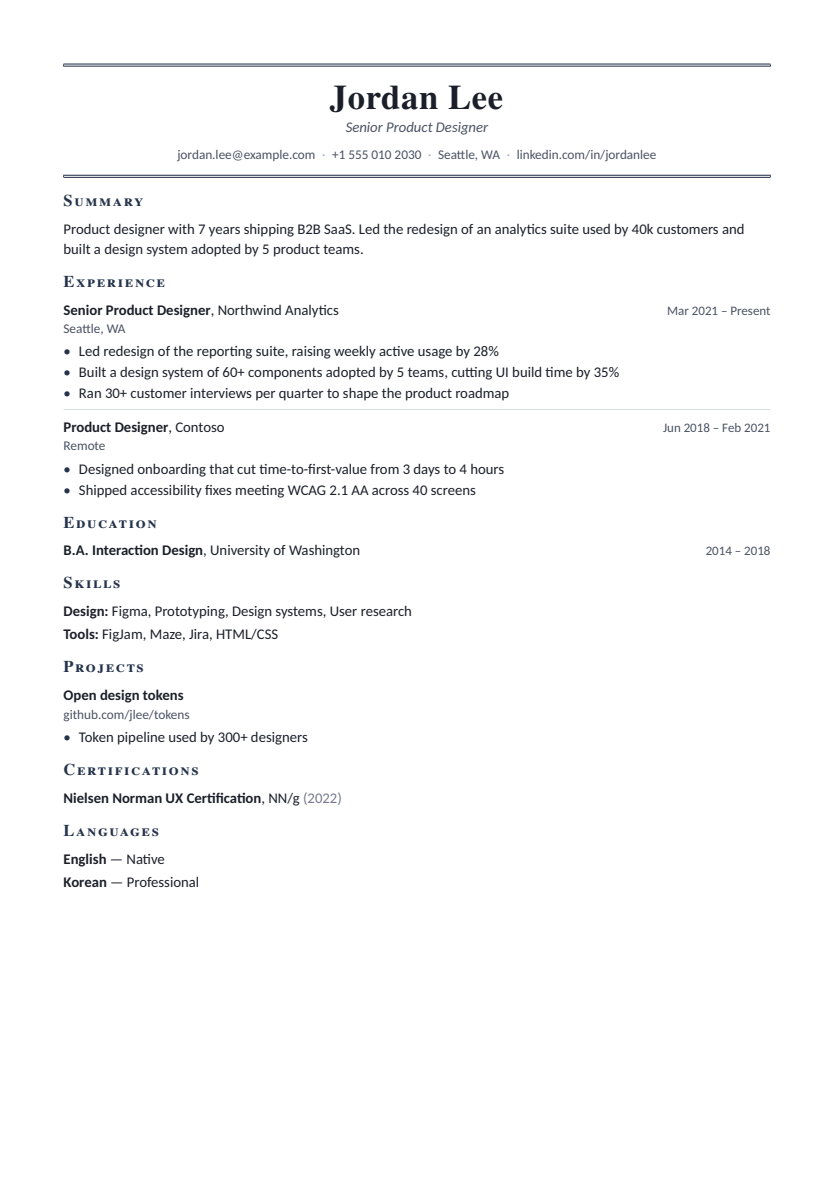
Ledger
Single column
A restrained financial-report style with a double-rule masthead and neatly separated career entries.
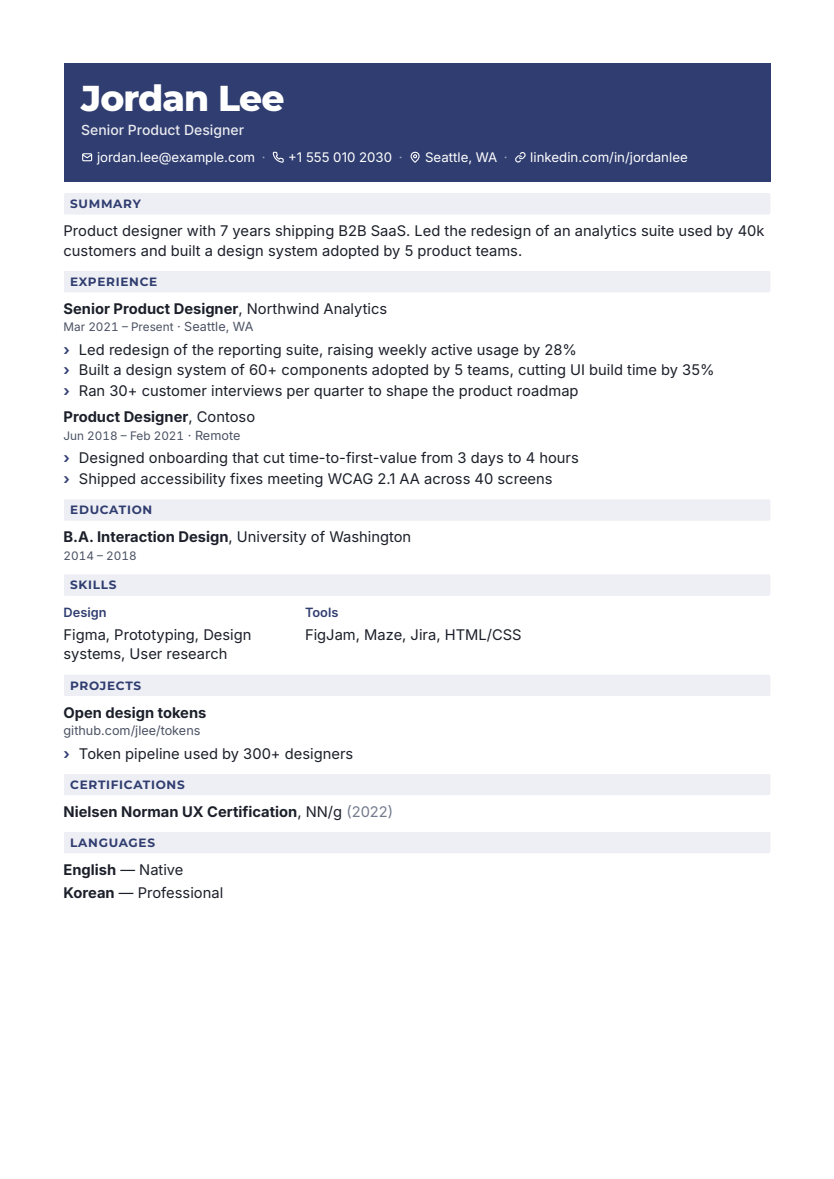
Signal
Single column
A bold accent masthead and slim section bands for a direct, contemporary application.
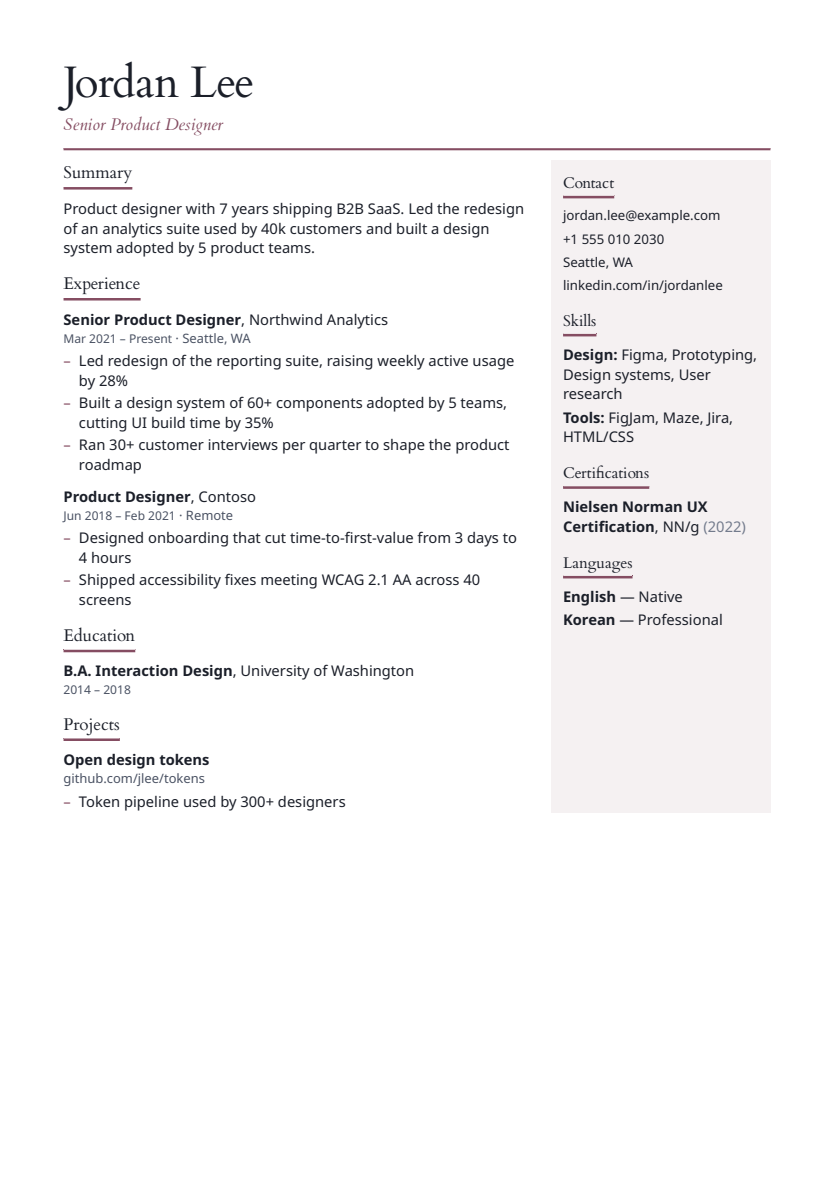
Atelier
Two column
An oversized serif name and a quiet, tinted expertise column for creative and client-facing careers.
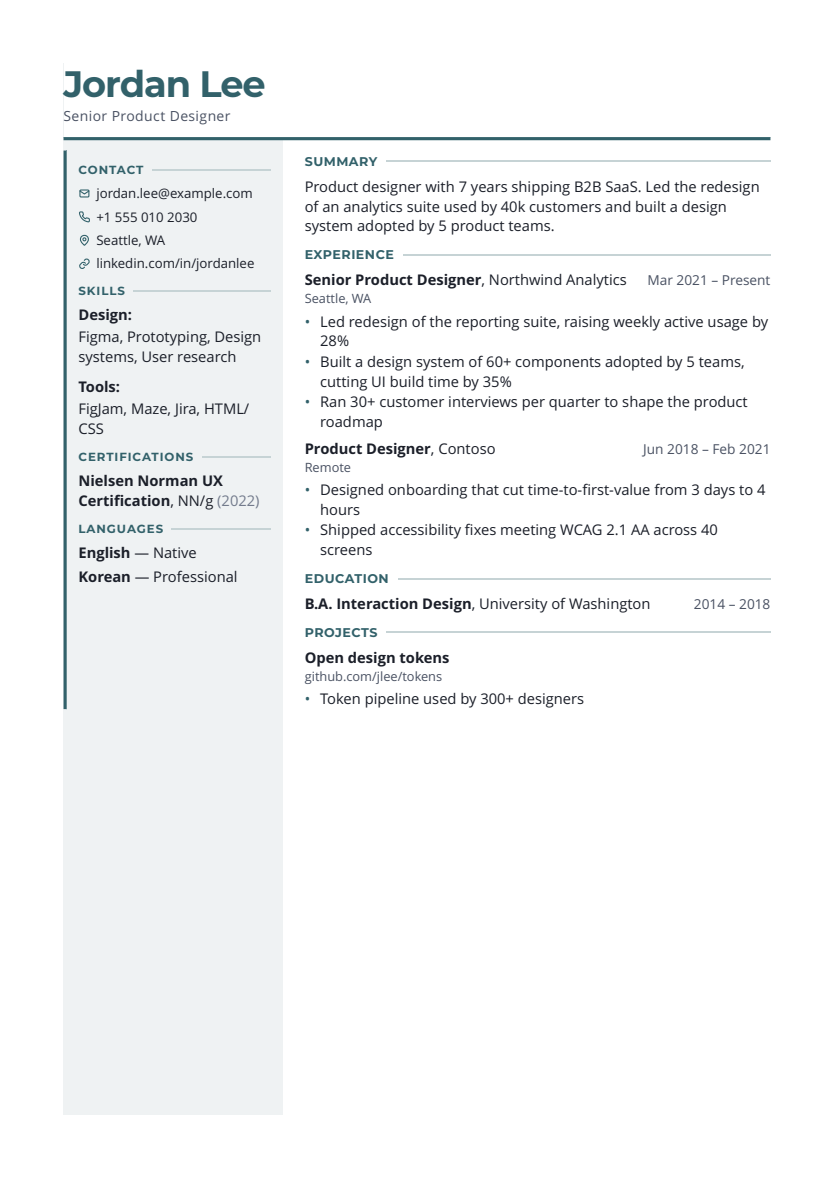
Meridian
Two column
A structured left column with an accent rule and a strong sans-serif masthead for experienced specialists.
How templates work
A template is a preset: a starting set of fonts, heading style, header layout, bullet style, skills display and spacing. After choosing one you can still change any of those options, rename or reorder sections, and hide ones you don't need. Because your content is stored separately from the design, switching from Classic to Studio and back leaves every word where it was.
Single or two columns?
Thirteen templates are single-column; Sidebar, Creative, Studio, Atelier and Meridian are two-column. QuickHunt's two-column PDFs keep the text in reading order and paginate properly, but some ATS software still reads columns out of order. The ATS checker flags multi-column layouts on uploaded files for this reason. If you're applying through large employers' online portals, a single-column template is the safer choice. Our resume format guide covers this in more detail.
Limitations
Templates don't support photos, icons beyond contact icons, or custom graphics. The gallery can be browsed without an account, but you need one to use a template.
Choose a resume layout around the way you will apply
Start with the application channel. If an employer asks for a particular file type or structure, follow that request. For a portal where you do not know the parser, a single-column design is a practical starting point. For a document shared directly with a person, you have more room to choose a visual style, but the reading order should still be clear.
A fresher often needs space for education and projects rather than a large work-history section. A developer may want a concise skills group and links to meaningful projects. An analyst should make the business question and analysis easy to find. Compare the software engineer examples and data analyst examples before deciding which layout supports your evidence.
Do not use a compact design to preserve every weak bullet. First remove repeated tasks, outdated details and content unrelated to the role. Then check whether the remaining text has comfortable spacing. The actual PDF matters more than how impressive a thumbnail looks: open it, inspect the pages and try selecting the text.
Compare templates using your own content
- Check whether the first page shows your strongest evidence.
- Look for awkward page breaks and a very short final page.
- Keep headings and dates easy to scan at normal viewing size.
- Check exported text order, especially after choosing two columns.
Questions before you get started
Is one template best for every ATS?
No design can guarantee that every employer's system will parse it perfectly. QuickHunt exports selectable text, but parsers and employer settings vary. A clear single-column layout reduces some common reading-order risks.
Does choosing a template decide the length of my resume?
Your content, font and spacing all affect the page count. Choose the length that the application and your relevant experience justify; do not treat a one-page thumbnail as a promise that every resume will fit on one page.
Can I browse before creating an account?
Yes. The gallery and its sample previews are public. An account is needed to use the editor, and PDF export depends on your plan. See current plans before choosing an export workflow.
Build, check and tailor your resume in one place, then practise the interview.
Choose a template